← Back to augmented reality
Fragility

How to view the experience - instructions:
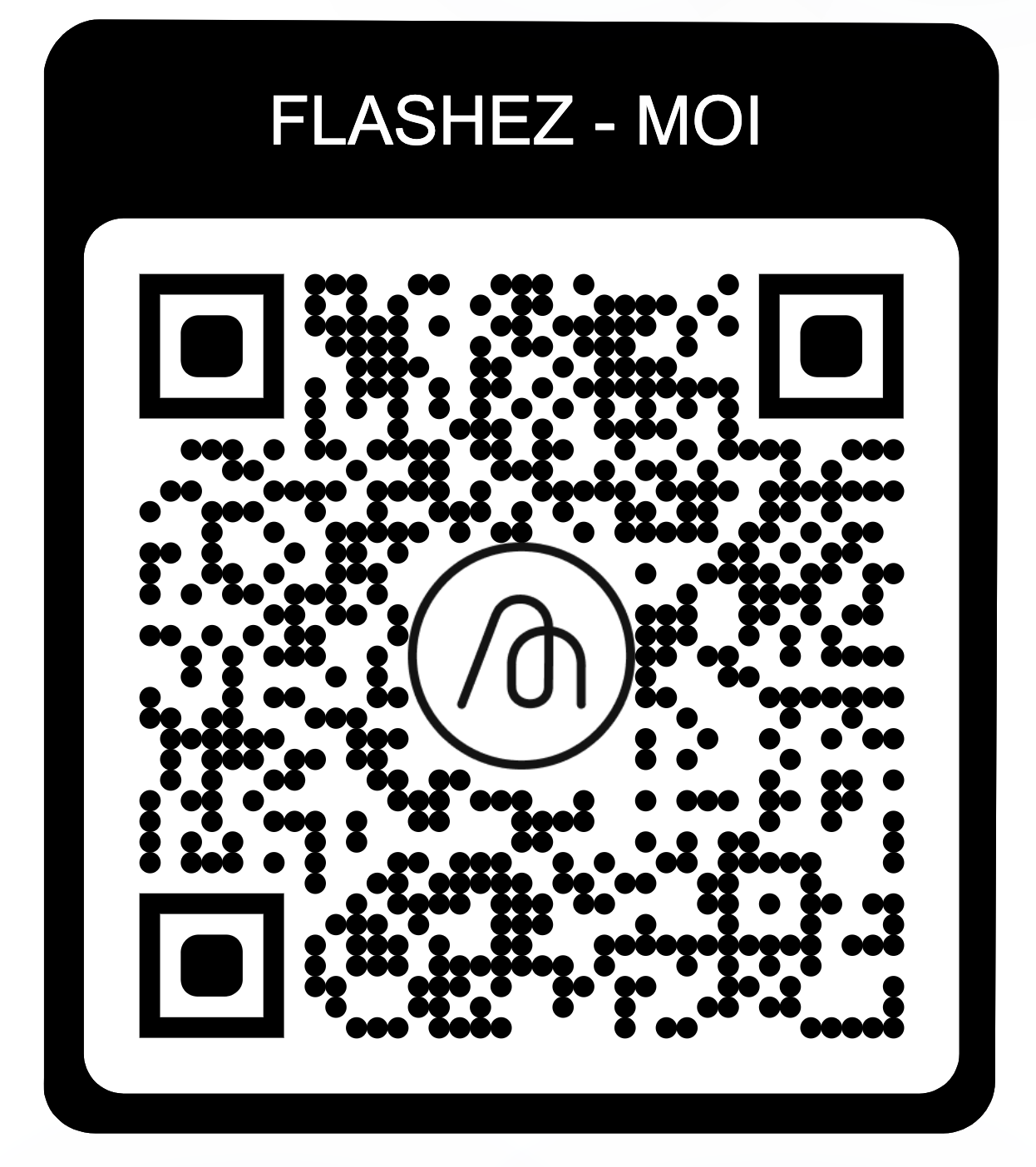
- Tap the Direct Link or Scan the QR Code:
- Open the camera app on your smartphone
- Point the camera at the QR code provided below or tap the direct link
- Allow Camera Access:
- Once you have opened the link or scanned the QR code, you will be taken to the augmented reality scene.
- Accept the permission to access your device camera.
- Place the Scene in Your Space:
- Move your device around to find the best position.
- Try different orientations to explore the scene from various angles.
- Interact with the Scene:
- Some elements of the scene may be interactive. Tap the screen to interact with them.
- Be sure to use headphones if you have them and are surrounded by other visitors, as the scenes contain music.
- Enjoy the Experience:
- Immerse yourself in the unique augmented reality universe we created for you